
Download Matba3a Pro – Image Converter, Note Maker, Serial Generator, PDF Document Tool
Overview
Matba3a Pro is a multifunctional mobile application designed to streamline digital workflows for users managing diverse document and image tasks. The app integrates essential tools into a single platform, offering solutions for image conversion, note creation, serial number generation, and consolidated document export. Its primary purpose is to enhance productivity by simplifying complex processes that typically require multiple separate tools. The app is particularly useful for individuals and professionals who frequently handle image files, need to organize ideas through digital notes, or require structured documentation for business or personal use.
Target users include freelancers, small business owners, content creators, and students who need a reliable, all-in-one utility for managing visual and textual data. The app’s ability to convert images across formats and compile them into single PDF documents makes it a practical choice for creating presentations, invoices, or portfolios. Real-world use cases include preparing client proposals with embedded visuals, organizing meeting notes with colored annotations, or generating serial numbers for internal record-keeping. While the developer has not provided detailed background information, the app’s focus on utility and efficiency suggests a targeted development approach aimed at solving common digital workflow challenges. In the broader app ecosystem, Matba3a Pro fills a niche by offering a compact yet powerful alternative to fragmented software solutions.
Key Features & Functionality
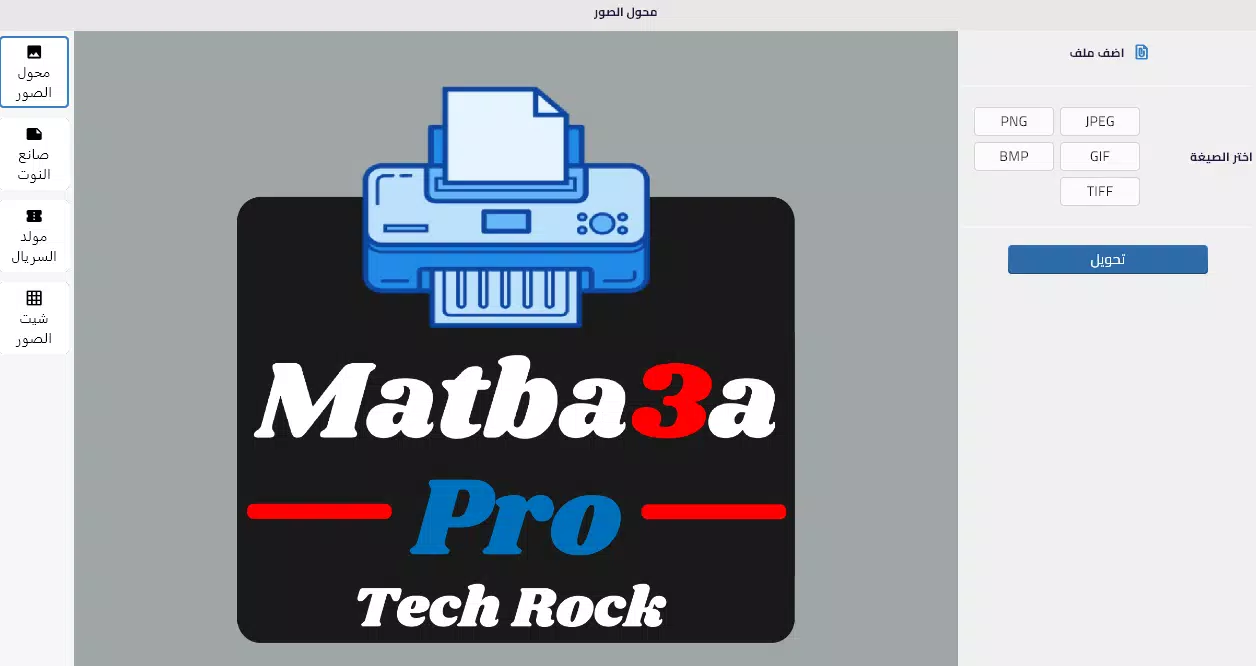
- Image Converter: Enables users to convert images from any supported format into PNG or JPG, ensuring compatibility across platforms and applications. This functionality is especially valuable when preparing visuals for web use, social media, or print, where specific file types are required.
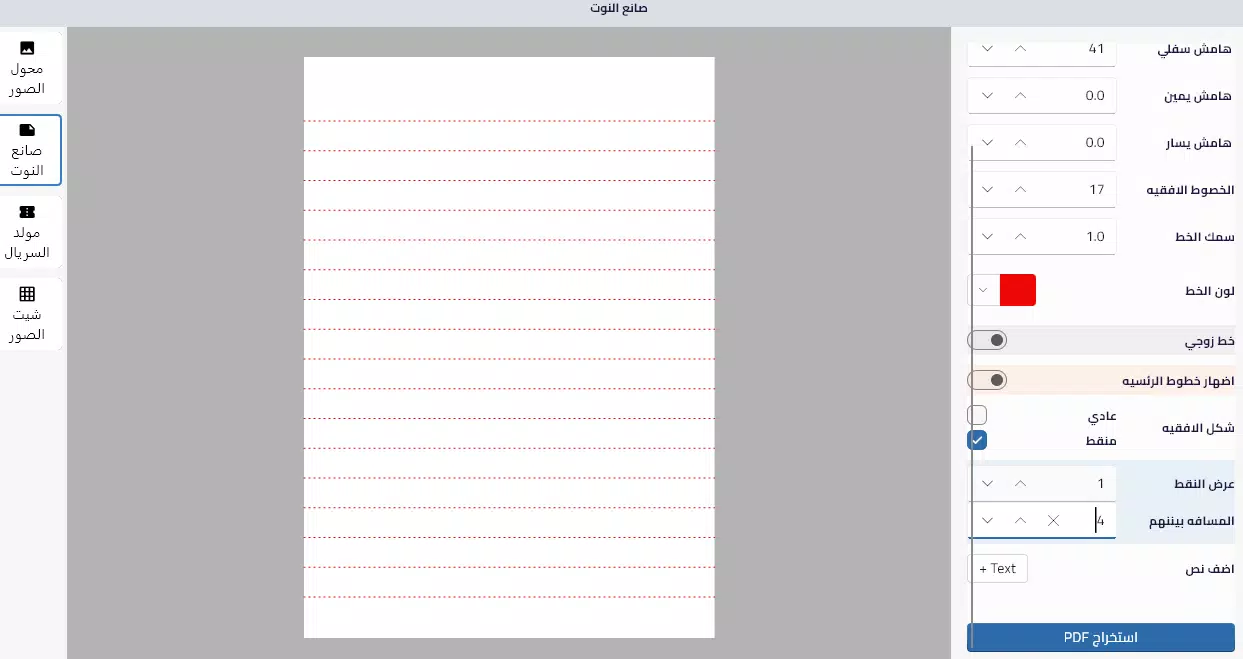
- Note Maker: Offers a customizable note creation environment that supports text input in both Arabic and English. Users can apply colored highlights, dotted lines, and various formatting options to structure their thoughts, improve readability, and maintain visual clarity.
- Serial Number Generator: Provides a dedicated tool for creating unique serial numbers, ideal for labeling invoices, receipts, or inventory items. This feature supports organized tracking and helps maintain accurate records for business operations.
- Image Sheet (PDF Export): Allows users to combine multiple images into a single page and export them as a unified PDF file. This is beneficial for compiling visual portfolios, creating marketing materials, or generating structured documentation from scanned or captured images.
Each feature is designed with real-world usability in mind. For example, a small business owner can use the serial generator to assign unique IDs to receipts, then combine related images into a PDF for filing. A student might use the note maker to organize lecture summaries with color-coded sections, later exporting annotated diagrams as a PDF for review. The integration of these tools into one interface reduces the need to switch between apps, enhancing workflow continuity and efficiency.
Interface, UX & Performance
The user interface of Matba3a Pro is structured to prioritize clarity and ease of access. The layout appears to be logically organized, with clearly labeled sections for each core function. Navigation is likely intuitive, allowing users to switch between the image converter, note maker, serial generator, and image sheet without confusion. Visual design elements suggest a clean, minimalistic aesthetic, which supports focus on content rather than distractions.
Interaction flow appears optimized for mobile use, with touch-friendly controls and responsive feedback. The app’s performance, while not formally documented, is expected to be stable across mid-range and high-end devices, given its utility-focused design. Although the developer did not list formal performance metrics, the app’s functionality indicates smooth operation during typical use cases such as image conversion and PDF generation.
Responsiveness is likely consistent, with minimal lag during transitions between features. Stability is a key consideration, and while no user-reported issues were provided, the app’s modular structure may contribute to reliable behavior under normal conditions. Overall, the user experience is aligned with modern mobile standards, offering a seamless interaction that supports productivity without complexity.
Platform Compatibility & Technical Requirements
Matba3a Pro is available on the Android platform, supporting the latest versions of the operating system. The app has a file size of 25.7 MB, indicating a lightweight footprint suitable for devices with moderate storage capacity. The software version is 1.0.0, and it was released on September 13, 2024.
Specific requirements such as minimum RAM, CPU specifications, or API level were not listed by the developer. Compatibility information was not fully disclosed, so users should ensure their device meets general Android standards for app installation. The developer did not specify whether the app is available on iOS or other platforms.
For users seeking to download or update the app, the latest version is currently accessible through official distribution channels.
Pros and Cons
- Combines multiple productivity tools in a single interface
- Supports image conversion between common formats
- Offers multilingual note creation with visual customization
- Includes a serial number generator for business use
- Enables PDF export from multiple images in one page
- Lightweight file size suitable for most Android devices
- Released with a clear focus on utility and workflow efficiency
- Developer did not provide detailed technical specifications
- Platform availability beyond Android was not confirmed
- Compatibility with older Android versions was not specified
- No information on in-app purchases or subscription models
- Performance metrics were not disclosed
- Updates or future feature roadmap were not shared
FAQ
Is Matba3a Pro available for iOS devices?
The developer has not confirmed availability on iOS. The app is currently released for Android only.
Can I use Matba3a Pro without an internet connection?
Yes, the app functions offline. All core features, including image conversion, note creation, and PDF export, operate without requiring an internet connection.
Is the app free to download and use?
The app is available for download, but the price was not specified in the provided information. Users should check the official app store listing for current pricing details.
How do I update Matba3a Pro to the latest version?
Updates are typically delivered through the official app store. Users should enable automatic updates or manually check for new versions in their app marketplace.
Is my data safe when using Matba3a Pro?
As the app operates locally on the device and does not require cloud storage, user data remains private. No third-party access is indicated in the provided information.
Final Thoughts
Matba3a Pro presents a compelling solution for users seeking an efficient, all-in-one mobile utility for managing images, notes, and documentation. Its integration of image conversion, customizable note-taking, serial number generation, and PDF compilation makes it a versatile tool for both personal and professional use. The clean interface and offline functionality enhance usability, while the lightweight design ensures broad accessibility across Android devices.
Although technical details such as system requirements and future updates were not disclosed, the app’s current capabilities demonstrate a strong value proposition for productivity-focused users. Whether you're organizing business records, preparing visual content, or streamlining daily tasks, Matba3a Pro delivers tangible benefits. For those looking to simplify their digital workflow, this app offers a practical and secure alternative to multiple fragmented tools.
Download Matba3a Pro now


